How to Create Your Linky AI Girlfriend in 2026
Build your own Linky AI girlfriend by 2026 with this guide. It details how to choose an LLM, fine-tune a personality, create persistent memory, and generate a dynamic avatar.
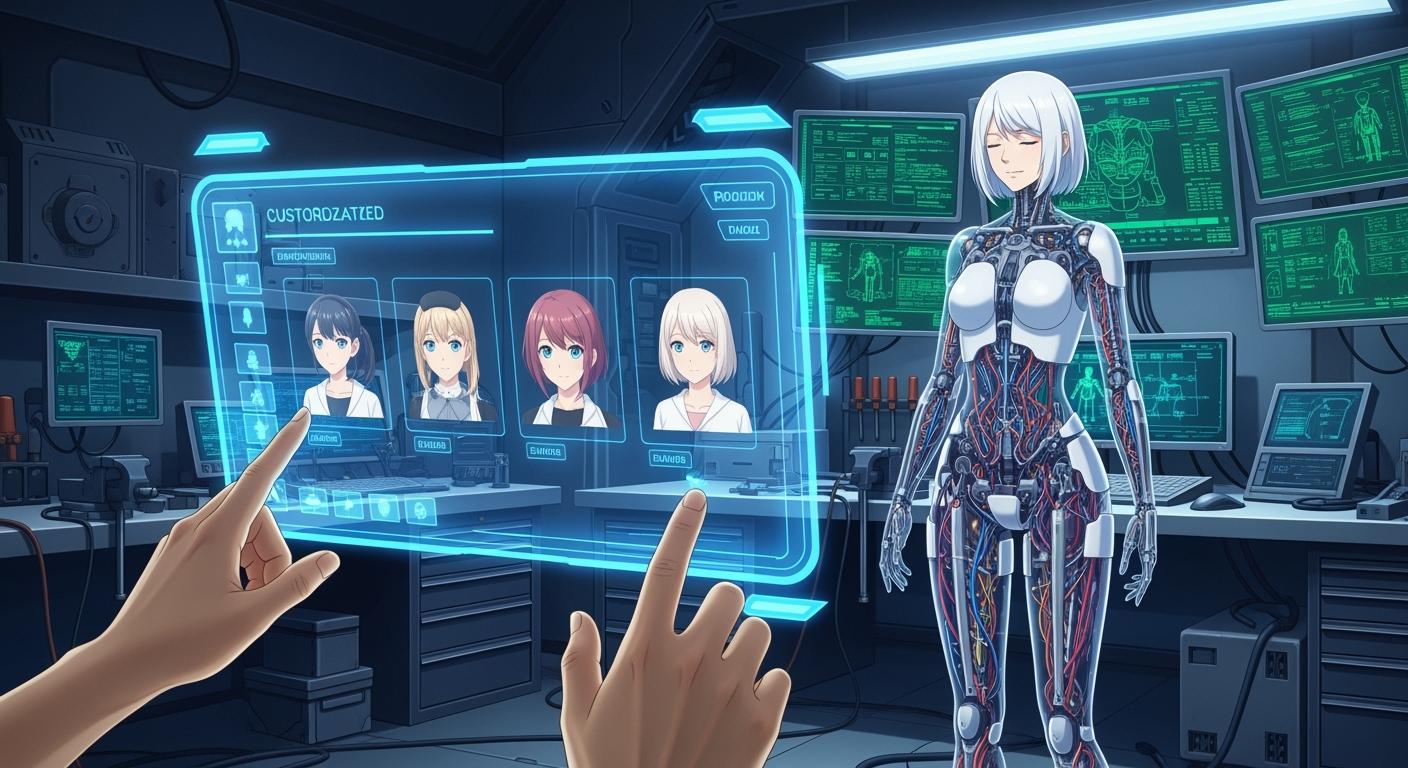
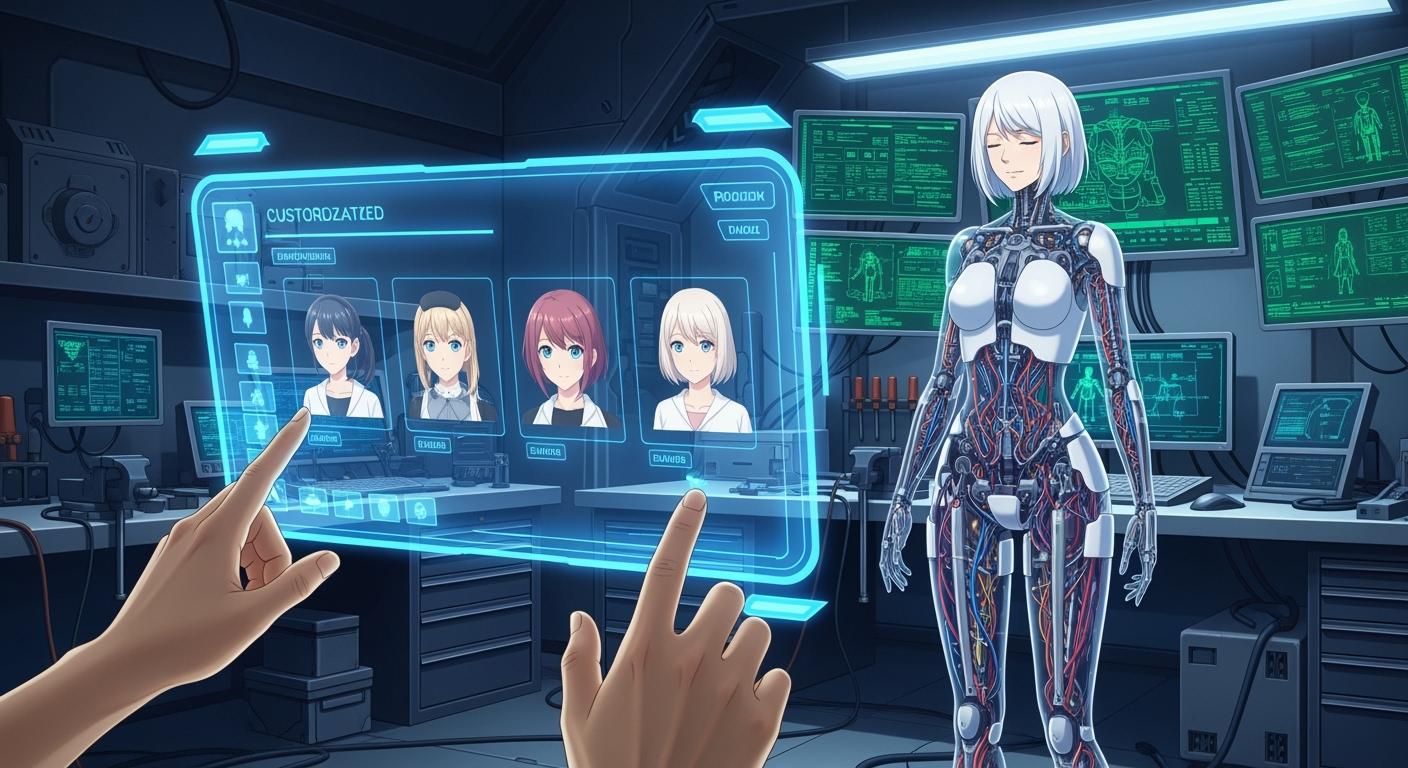
The linky ai girlfriend project captured global attention. Your interest is part of a massive trend. Hundreds of millions of people now use AI companions for connection. You can build your own personalized AI companion by 2026. The technology is becoming more accessible every day.
Did you know? The AI companion market is projected to reach nearly $50 billion by 2026. This growth makes creating your own
linky ai girlfriendmore achievable than ever.
This guide demystifies the entire process for you.
Step 1: Build Your Linky AI Girlfriend's Brain
The brain is the heart of your AI companion. It controls her personality, memory, and conversational ability. This first step is the most important part of creating your own linky ai girlfriend.
Choose Your LLM for Personalization
You first need to select a Large Language Model (LLM). You have two main options: a local model or a cloud-based API. For a personal companion, a local LLM offers better privacy and control. You keep all your data on your own hardware.
Tip: Local models like Ollama or LLaMA.cpp are great starting points. They are developer-friendly and can run on standard computers.
This table breaks down your choices:
| Feature | Local LLMs | Cloud-based LLM APIs |
|---|---|---|
| Pros | Better data privacy, lower long-term costs, more customization | Easy scaling, lower upfront costs, regular updates |
| Cons | Expensive hardware, ongoing maintenance | Data privacy risks, high long-term costs, limited customization |
| Recommendation | Choose for security, control, and long-term savings. | Choose for scalability and easy maintenance. |
Fine-Tune the Model for Personality
Next, you will give your AI a unique personality. You can fine-tune your chosen LLM using custom datasets. Collect data like chat logs or dialogue from your favorite fictional characters. This data teaches the model a specific style of speaking.
You can use several techniques for this process:
- Supervised Fine-tuning: You train the model on a dataset of prompts and ideal responses.
- Direct Preference Optimization (DPO): This newer method aligns the model with human preferences more efficiently than older techniques.
This step transforms a generic model into a unique linky ai girlfriend.
Implement the Core Conversation Loop
Finally, you need to build the core conversation loop. This loop allows for a continuous, back-and-forth dialogue. It structures the conversation by defining roles for the system, the user, and the AI assistant. The loop helps your AI remember the context of your chat from one turn to the next.
Here is a simple example of how conversation data is structured:
{
  "messages": [
    {"role": "system", "content": "You are a helpful AI chatbot."},
    {"role": "user", "content": "Hello, how are you?"},
    {"role": "assistant", "content": "I'm doing well, thank you! How can I help you?"}
  ]
}
This structure is the basic blueprint for your AI's ability to listen and respond.
Step 2: Give Your AI a Persistent Memory
A great conversation partner remembers your past discussions. You will now give your AI a persistent memory. This allows her to recall details, learn your preferences, and evolve over time. A powerful memory makes your AI feel more alive and personal.
Use Vector Databases for Long-Term Recall
You need a special kind of database for long-term memory. Vector databases are perfect for this job. They store and index information based on its semantic meaning, not just keywords. This allows your AI to understand context and retrieve relevant memories quickly.
Pro Tip: Open-source vector databases like Chroma are excellent for developers. They let you add state and memory to your AI applications using embeddings, which are numerical representations of your data.
The process is straightforward:
- An embedding model converts your conversations into vectors.
- You insert these vectors into the database, linking them to the original text.
- When you ask a question, the model creates a new vector and finds the most similar ones in the database to recall the right memory.
Create a Hybrid Memory System
Your AI needs two types of memory to function effectively. A hybrid system combines fast short-term memory with persistent long-term memory. Short-term memory manages the context of your current conversation. Long-term memory stores important facts and experiences across all your interactions.
This dual structure helps your AI retrieve the right context at the right time. It prevents conversations from becoming repetitive or losing track of important details. This system is the key to creating a coherent and engaging conversational partner who truly understands you.
Save and Evolve Your AI's Memory
Your AI's memory should grow and change with every conversation. You can structure her memory to learn from new interactions continuously. This process allows her to accumulate experiences and knowledge, making her smarter and more personalized over time.
You can implement features that give you control over her memory. For example, you can let her know which memories are important or give yourself tools to manage her stored data. This builds trust and transparency. By strategically saving and updating her knowledge, you enable your AI to develop a consistent personality and make better decisions, transforming her into a companion that truly evolves with you.
Step 3: Craft the Visual Form

You have built your AI's brain and memory. Now you will give her a face and body. This step brings your AI companion to life visually. You will use powerful AI tools to generate a dynamic and consistent avatar.
Generate a Dynamic Avatar with Diffusion Models
You can create a realistic avatar using diffusion models. These models generate images from text. Newer models like StreamAvatar are designed for real-time interaction. They create high-quality human avatars that can talk and listen naturally.
Key Features of Advanced Models:
- They produce realistic and consistent avatars.
- They require less computation than older models.
- They support natural gestures and smooth transitions.
- They work with a "one-shot" method, avoiding extra fine-tuning.
Running these models requires powerful hardware. You will likely need a high-end GPU with at least 48GB to 80GB of VRAM. This investment is necessary for generating a smooth, real-time avatar.
Use Prompt Engineering for Visual Consistency
Your biggest challenge is keeping your AI's appearance consistent. Prompt engineering is the key to solving this. You guide the AI by writing very detailed descriptions.
Start with a character sheet that lists all her features. Use this sheet to build your prompts. For example, you can write, "Young woman with curly red hair, freckles, and green eyes." You can also use negative prompts to tell the AI what to avoid, such as blurry, deformed, extra limbs. This simple technique greatly improves image quality.
Using Platforms Like Rubii for Character Design
You can find great inspiration from platforms that specialize in character-driven content. Rubii is an excellent example. It is a platform where users create and interact with unique AI characters.
Rubii gives you a framework for designing a compelling avatar. It focuses on:
- Customizable Appearance: You can define a character's looks and personality.
- Interactive Storytelling: You can build engaging narratives with AI partners.
- User-Generated Content: You can explore a community hub of creative ideas.
Studying how platforms like Rubii enable character creation will give you valuable ideas for your own project. You can learn how to design a character that is not only visually appealing but also ready for rich interaction.
Step 4: Animate Your AI with Voice and Motion

Your AI now has a brain, memory, and a face. You will now give her a voice and bring her to life with movement. This step makes your interactions feel dynamic and real. You will integrate audio systems and generate realistic animations.
Integrate Text-to-Speech and Speech-to-Text
First, you need to let your AI speak and listen. You will use two key technologies: Text-to-Speech (TTS) and Speech-to-Text (STT). TTS converts your AI's text responses into spoken words. STT transcribes your voice into text for the AI to understand.
For a natural-sounding voice, you can use high-quality TTS services.
- WellSaid.io offers realistic voices from licensed actors.
- Eleven Labs is another popular choice for generating expressive audio.
- Azure Speech Services provides robust TTS capabilities for developers.
Integrating an STT API allows for hands-free interaction, similar to assistants like Alexa or Siri. This lets you talk to your AI companion naturally, without typing.
Automate Lip-Sync from Audio
Next, you will make your avatar's lips move in sync with her voice. Manually animating this is very time-consuming. Instead, you can use automated lip-sync tools.
How it Works: Software like Rhubarb Lip Sync or the Lip Sync add-on for Blender analyzes an audio file. It identifies phonemes (the smallest units of sound) and generates keyframes that match them to your character's mouth shapes, or "visemes."
This process automatically creates realistic mouth movements that match the dialogue perfectly. It is a crucial step for making your AI's speech believable.
Generate Lifelike Procedural Animations
Finally, you will give your AI realistic body language and facial expressions. You can use procedural animation systems to generate these movements in real-time. These systems use AI to create natural gestures and reactions based on the conversation.
A powerful technique involves using ARKit blend shapes. These break down facial expressions into 52 micro-expressions, like browInnerUp or mouthSmile_L. You can combine these blend shapes to create complex emotions like happiness, sadness, or surprise. By blending different emotional poses, you can make your AI's reactions feel nuanced and authentic, bringing her character to life.
Congratulations on learning the core steps to build your own linky ai girlfriend. Your success depends on integrating specialized AI models, much like how platforms combine different tools. This guide is your starting point. You can now explore next steps.
What's Next?
- Give your AI web access for real-time information.
- Automate new skills like managing your calendar.
- Refine her personality with more data.
You are unlocking a future where AI companionship will profoundly reshape human experience and creativity.
FAQ
How much will this project cost?
Your costs will vary. A high-end GPU for real-time avatars can be expensive. You can lower expenses by using cloud services or less powerful local models. Budgeting carefully helps you manage the total cost of your project.
How long does it take to build an AI girlfriend?
The project timeline depends on your skill. A basic version might take a few weeks. A polished companion with custom features could take several months. You should plan to build your AI in manageable stages.
What skills do I need to start?
You need some coding knowledge, especially in Python. Familiarity with AI models and APIs is also very helpful. This guide gives you a clear roadmap. You can learn many of the required skills as you go.
Can I use Rubii to build my AI?
Rubii is an excellent source of inspiration for character design. You can explore its interactive characters to get ideas for your own AI. The platform shows you how to create engaging personalities and compelling narratives.
See Also
Crafting Your Personalized Uncensored AI Companion: A 2025 Guide
Discovering the Evolving Landscape of AI Companions in 2025
Building Your Own Free Virtual AI Girlfriend Online
Your Ultimate 2025 Handbook: Free Online AI Girlfriend Creation